
Last updated: November 15, 2026
AI automation for small business uses software to interpret inputs, assist with decisions, and move work through a repeatable process.
What is AI automation for small business?
AI might classify an incoming customer message, while a fixed rule sends the classified message to a designated queue. A person can review uncertain classifications or approve a drafted response before anything reaches the customer.
How is AI related to automation?
Traditional automation follows instructions set in advance: if a form contains a particular selection, route it to the assigned team. AI can help when inputs are less uniform, such as messages written in a customer’s own words. The workflow still needs rules for what happens next, what the AI may access, and when a person takes over.
At WWEMD, we build AI-powered web software to automate, personalize, and optimize business workflows while integrating with existing systems and processes. The aim is not to remove judgment from every step; it is to put appropriate assistance where work is repetitive and keep accountable people involved where judgment matters.
Which workflow should a small business automate first?
A small business should start with frequent, repeatable work that has recognizable inputs, a measurable outcome, and a clear path to human review. Customer inquiry routing may be a useful candidate when messages arrive in a shared inbox and staff already follow a consistent sorting process. Suitability depends on the business’s actual exceptions and data.

Which daily tasks are good candidates for AI automation?
Customer inquiries, appointment requests, lead intake and follow-up, and invoice processing can be good candidates when their steps are repeatable and staff can review exceptions. Compare candidates by tracing what arrives, what staff do with it, and what a correct result looks like. The examples below are possibilities to assess, not recommendations for every business.
| Workflow | Possible AI-assisted step | Review point |
|---|---|---|
| Customer inquiries | Classify the topic of an incoming message | Send unclear or sensitive messages to a staff member |
| Appointment requests | Identify the requested service or scheduling need | Have staff resolve conflicting details before confirming |
| Lead intake | Organize details from a submitted form | Check missing information before follow-up |
| Marketing follow-up for incoming leads | Use AI to identify a lead’s stated interest and draft a personalized follow-up | A fixed rule routes the draft to the appropriate staff queue; a person verifies the details and approves the message before sending |
| Invoice processing | Extract fields for staff to inspect | Verify unusual or incomplete entries before use |
If a process varies substantially from case to case, document those variations before automating it. Note where staff depart from the usual steps, what triggers each exception, and who resolves it; these details can shape a limited first test.
Why are more small businesses considering AI automation now?
The U.S. Small Business Administration Office of Advocacy’s research spotlight on AI in business found that larger firms adopted AI faster, while the gap with smaller firms narrowed over the period examined. That historical finding is not a current adoption rate or a reason to automate indiscriminately. It makes workflow selection a more useful question than whether a small business must adopt AI at all.
Which decisions should remain under human review?
People should retain approval of sensitive customer communications, exceptions, and decisions with meaningful consequences for customers or the business. AI can sort information and prepare drafts, but a designated employee should be able to inspect uncertain outputs, correct mistakes, and decide whether an item can proceed. Review boundaries should be set before deployment.
When should an automated workflow hand work to a person?
Hand work to a person when information is missing, a classification is uncertain, a customer raises a sensitive concern, or the next action would be difficult to reverse. For an inquiry workflow, a staff member might approve replies before sending them, while an assigned escalation owner resolves messages that do not match a known category.
Give reviewers a way to change the category, correct the underlying record, and flag recurring errors. That feedback helps the team decide whether to adjust a rule, refine the AI-assisted step, or keep a particular case type outside automation.
Which AI tools fit a small business workflow?
An AI feature in a system you already use can suit a contained task, while a custom integration can connect work across systems under business-specific routing rules. Compare options by the information each tool must handle and the oversight staff can provide.
What is the best AI tool to help start a business?
There is no universal best AI tool for starting a business. Begin by describing the job to be done: what information arrives, where it lives, what output staff need, and who checks it. Then assess whether a feature in an existing system can perform that job without creating an awkward handoff or exposing more data than necessary.
When is an existing tool enough, and when is a custom integration useful?
An existing tool may be enough if staff can complete and review the task within a system they already use. Custom AI integration can help when an intake form, inbox, and customer record must work together under the business’s own routing rules. Map which system holds each input, where it must go, and who reviews the output before deciding whether an existing feature covers the job.
How does WWEMD implement AI automation in existing systems?
At WWEMD, we begin with strategy and implementation planning, then develop and deploy a solution designed to integrate with existing systems, followed by ongoing support and refinement:
- Understand the client’s needs, operational context, and goals.
- Develop an AI strategy and implementation plan.
- Develop and deploy a solution designed to integrate with existing systems and processes.
- Provide ongoing support and refinement as business needs evolve.
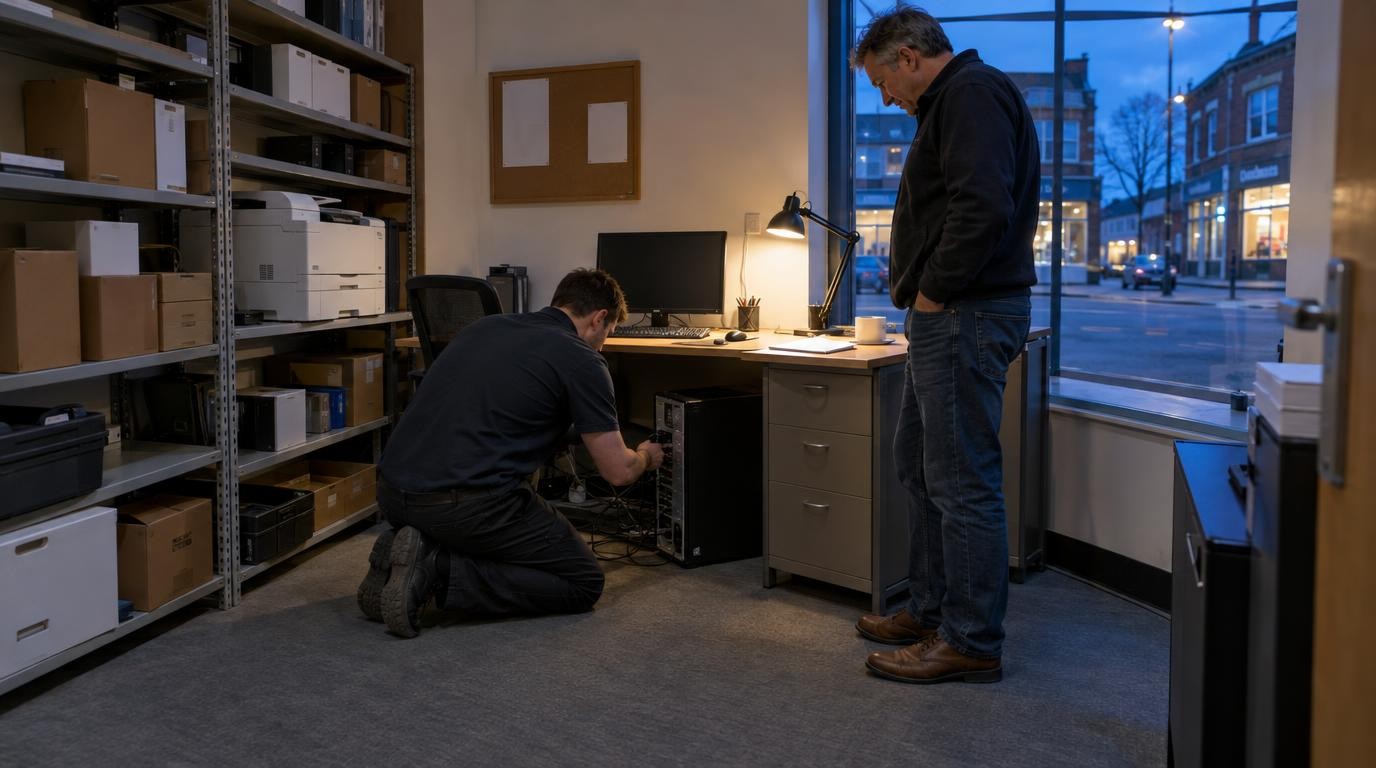
For a customer inquiry workflow, that could mean connecting an existing inbox to classified queues for human follow-up.
What happens during strategy and implementation planning?
We examine where inquiries enter, how staff sort them now, what information is needed for follow-up, and which cases require approval or escalation. The plan identifies the systems to connect, the proposed AI-assisted task, the fixed routing rules, and how staff will check outputs. This groundwork makes the intended workflow understandable before development begins.
What happens after an AI workflow is deployed?
Staff continue to review exceptions and report classifications or handoffs that do not work as intended. WWEMD provides ongoing support and refinement so the solution can adapt as the business’s needs change. Deployment is therefore the start of observing how the workflow performs in use, not a claim that the initial setup will handle every situation.
How can a small business keep AI automation reliable and responsible?
Reliable AI automation needs controlled access to data, checks on outputs, human review, and a documented way to report and fix errors. Limit the information available to each workflow to what the task requires, and define who can inspect or change results. WWEMD pairs integration and ongoing refinement with a commitment to responsible, transparent AI.
How should a team handle inaccurate outputs and sensitive data?
Decide who may access incoming records, which fields an AI-assisted step needs, and where a reviewer can see the source information behind an output. Test whether staff can catch an incorrect classification before it triggers the next action. A U.S. Food and Drug Administration presentation on AI in business processes describes using AI to validate and clean data and aid manual categorization; those uses still call for checks suited to the information being handled.
Keep an error-reporting path visible to staff and assign someone to resolve flagged cases. An article on Cleveland Clinic’s site quotes a cybersecurity liaison who says new AI-enabled functions must be vetted and secure before business use. The appropriate safeguards depend on the workflow and data; automation alone does not establish compliance.
How can a small business tell whether an automated workflow is working?
A small business can judge an automated workflow by recording how the existing process performs, then comparing the same measures after deployment. Track processing time, handoffs, corrections, and customer response time where relevant. Review exceptions alongside the measurements, then decide whether to refine the workflow, retain it as configured, or pause it.
Which workflow measures should a team track before and after launch?
Track processing time, handoffs, correction rate, and customer response time where relevant, defining each measure consistently before and after launch. Processing time runs from receipt to completion; handoffs show how often work changes owners; correction rate reflects outputs staff must fix; and customer response time applies when the workflow affects replies. Record how these measures are collected so a change in tracking does not masquerade as a change in performance.
A faster routing step is not an improvement if staff spend the saved time correcting misrouted work. Look at the measurements together, inspect representative exceptions, and treat any improvement as an observed result of that workflow rather than a promise for another business.
Frequently Asked Questions
What is the 30% rule for AI automation?
There is no generally accepted 30% rule that determines whether a small business should use AI automation. The phrase can refer to different claims, so ask for a definition and evidence before treating it as a target. Evaluate a specific workflow against its own baseline for time, errors, and human review instead.
What are the top 5 marketing automation tools?
Examples of marketing automation platforms include HubSpot, Mailchimp, Klaviyo, ActiveCampaign, and Brevo; this is not a ranking. Compare their email features, customer-data controls, and integrations with systems you already use. Marketing automation is not necessarily AI automation—many campaigns run entirely on preset rules.
What is the difference between RPA and AI automation?
Robotic process automation (RPA) follows defined steps, such as moving invoice fields between systems; AI can interpret less structured inputs, such as an emailed invoice. They can work together: AI extracts information, RPA transfers it, and a staff member checks exceptions. Neither method makes an unreviewed payment appropriate.
How can a small business test an AI workflow before using it with customers?
Start with past cases whose correct outcomes staff can verify. Run the proposed workflow without sending messages or changing live records, then compare its results with staff decisions and record failures. Move to a limited live pilot with approvals, an escalation owner, and a way to stop automated actions.
What should happen if an AI automation tool goes offline?
Use a manual fallback defined before launch: direct new requests to a monitored queue, assign an owner, and prevent unattended actions from retrying blindly. When service returns, reconcile pending items against completed ones before restarting automation. This helps avoid duplicate replies, bookings, or record changes while staff keep serving customers.
What should a small business check before sharing customer data with an AI vendor?
Check what data the tool receives, whether it retains inputs, who can access them, and whether its terms allow use for model training. Limit fields to what the task needs, and confirm deletion and incident procedures before connecting live records.
What is the next step for a small business considering AI automation?
For a U.S. small business considering a project, a useful starting brief includes an example of a routine case and one that needed staff judgment. Note which systems each case touches and who can authorize changes to the workflow. Those examples can help us define a limited first project and evaluate its results.
If you have a workflow in mind, tell us which part is slowing your team down and what a successful result would look like. Contact WWEMD for a consultation about your next AI-powered software project, including how it could connect with your current systems and leave the right decisions with your team.